 Documentation
Setting Up OP_WALLET
This page walks you through the installation and configuration of OP_WALLET.
Installing OP_WALLET
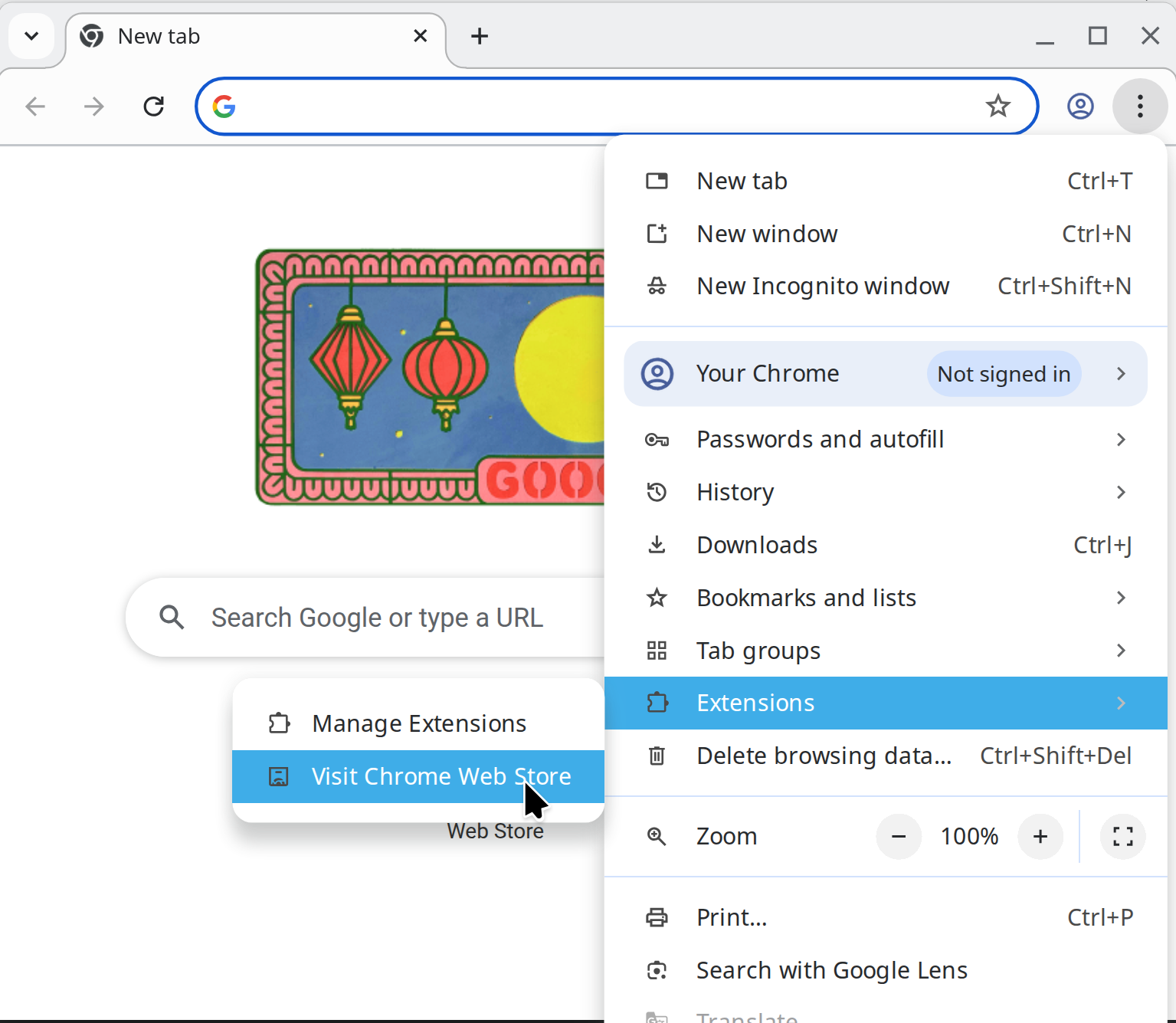
1. Open the Chrome Web Store by clicking the Chrome menu icon (⁝) and navigating to Extensions → Visit Chrome Web Store.
2. In the search bar, enter OP_WALLET and select the Opnet Wallet extension from the results.
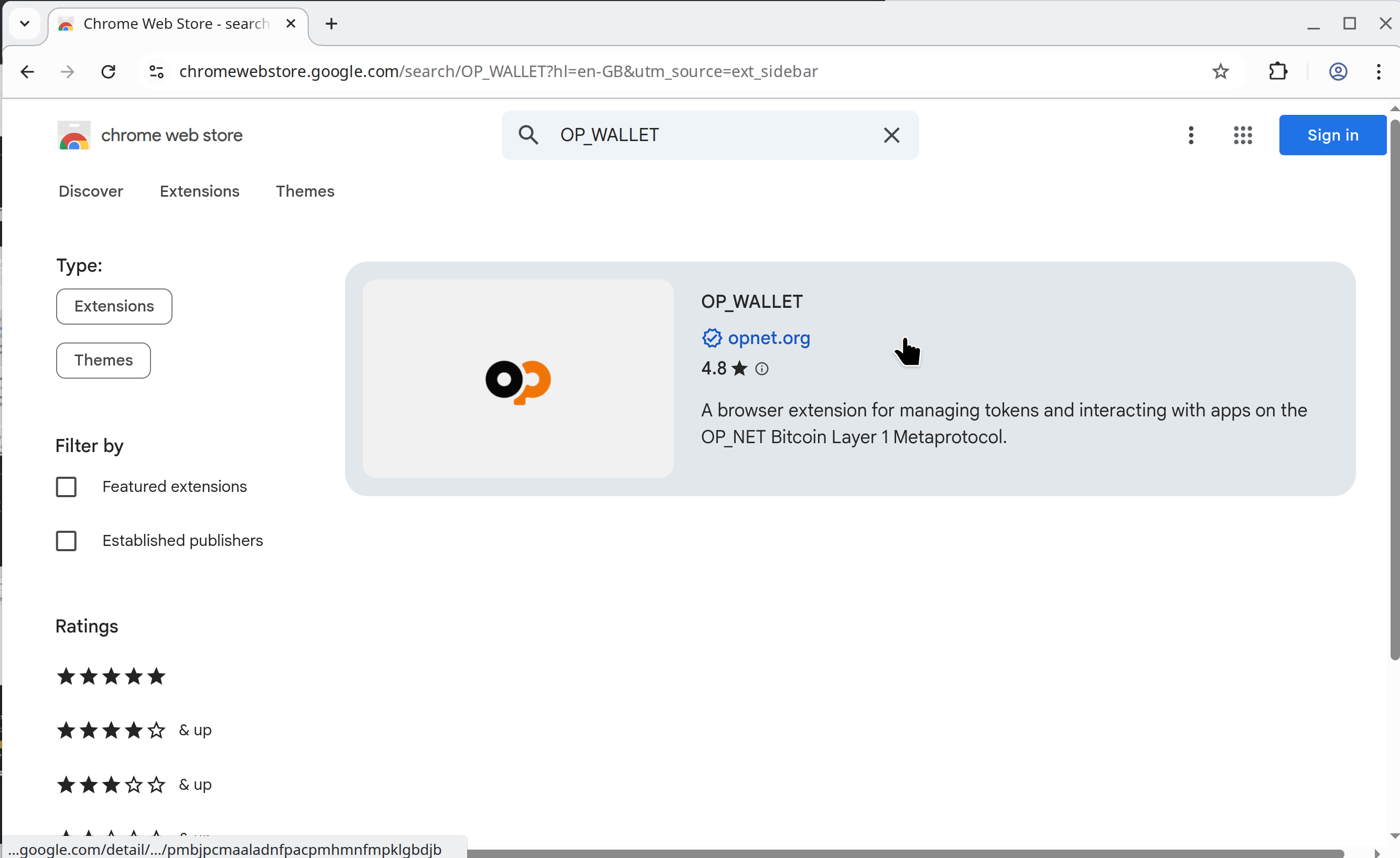
Verify that the extension name matches OP_WALLET exactly and that the publisher is opnet.org.
Important: Always confirm the authenticity of any wallet extension before installation. Wallet extensions have access to your private keys, so installing an unverified or malicious extension could compromise your funds.
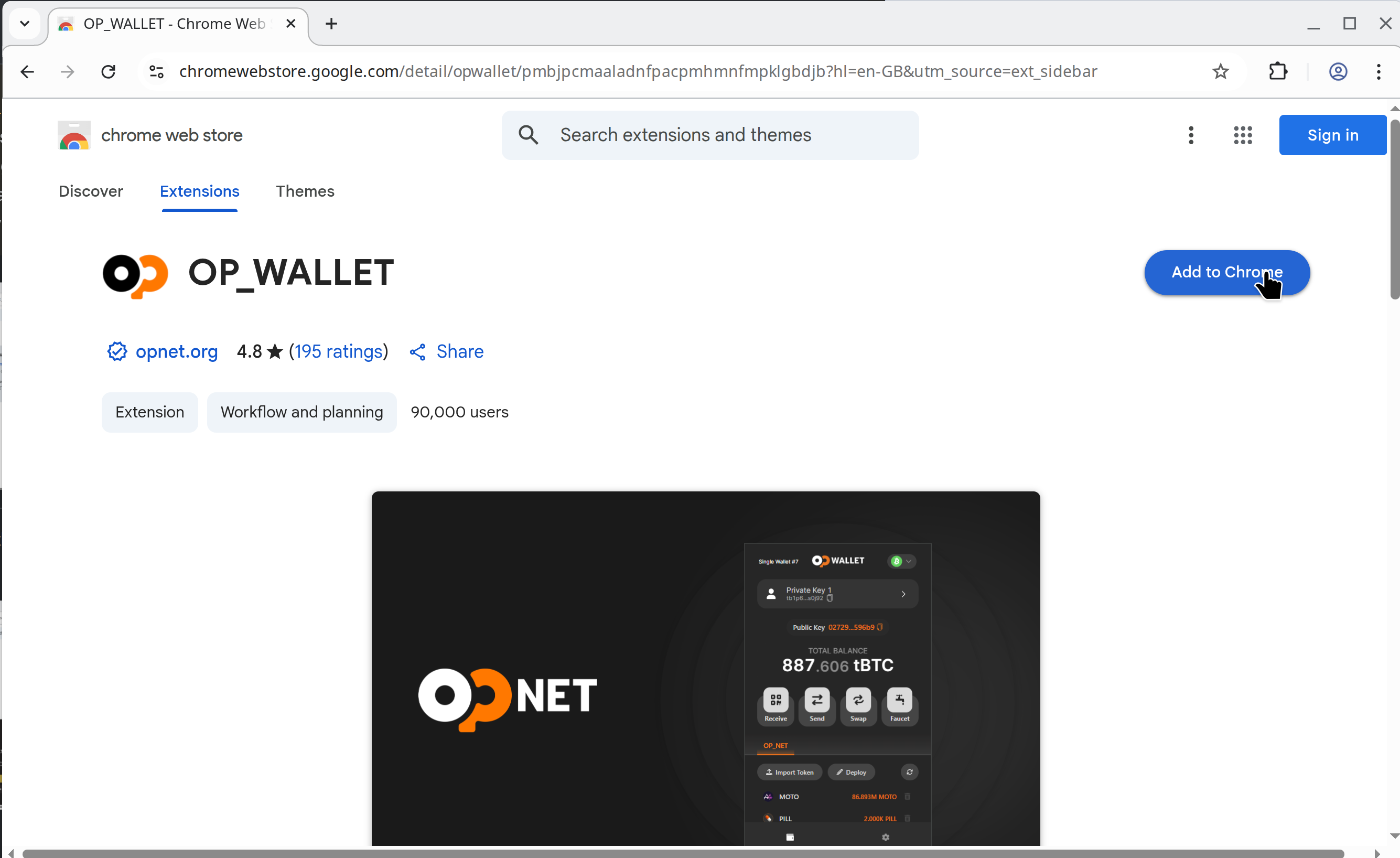
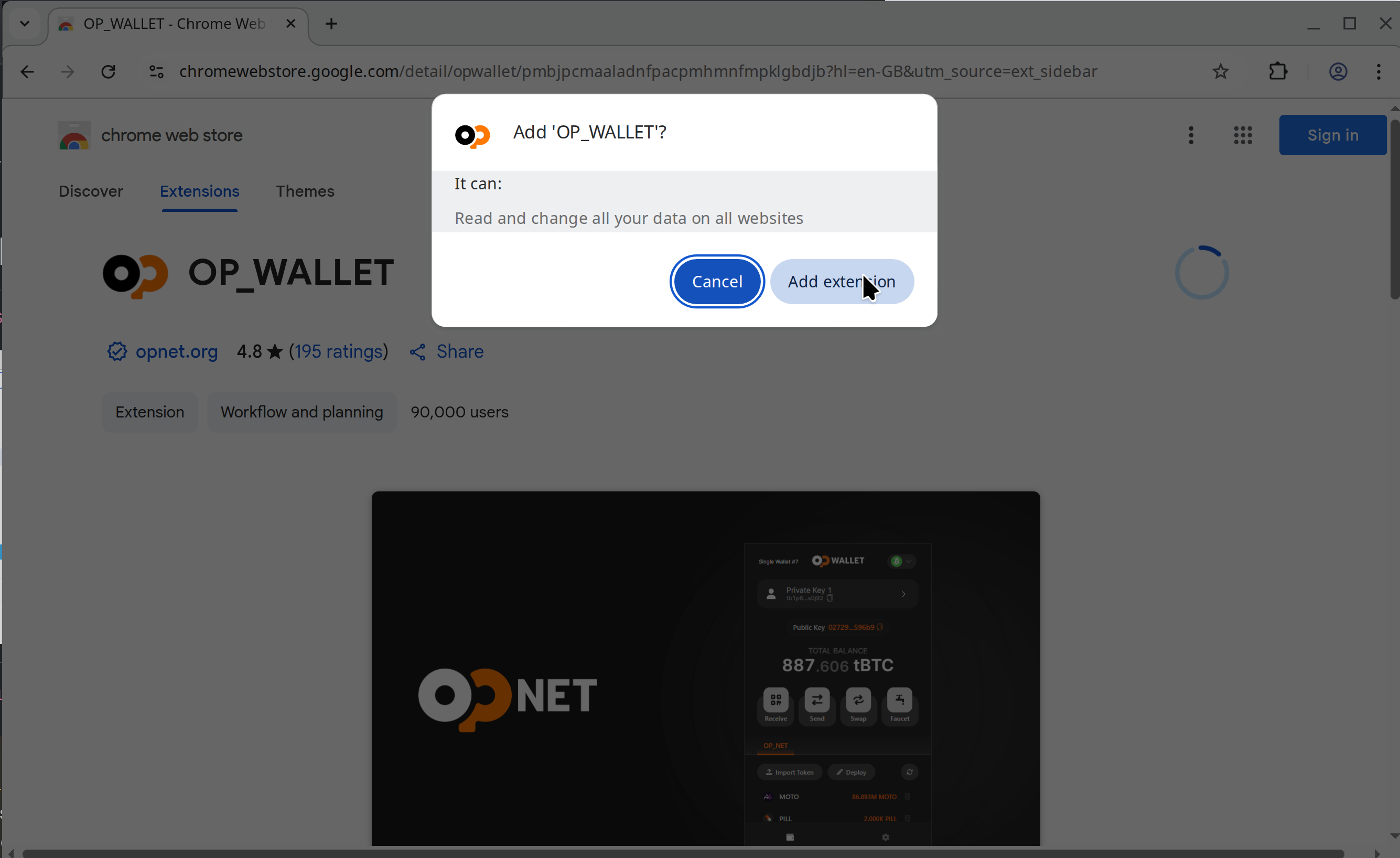
3. Click the Add to Chrome button in the top-right corner. When prompted, select Add extension to confirm the installation.
Configuring your OP_WALLET
TODO!!!!!