 Documentation
Signing Messages
WalletConnect provides the ability to sign messages using the connected wallet.
Signing a message generates a cryptographic signature that proves wallet ownership. This operation does not broadcast to the network, it returns a signature for offchain verification.
Signing a Message
Call the asynchronous signMessage() method to request a message signature from the connected wallet. The wallet prompts the user to review and approve the signature request before returning the signed message.
The following message types are supported:
To specify a signing algorithm, pass the desired MessageType as the second parameter. If omitted, ecdsa is used by default.
import { useWalletConnect } from "@btc-vision/walletconnect";
import { MessageType } from "@btc-vision/transaction";

function App() {
    const { signMessage } = useWalletConnect()

    async function signMyMessage() {
        if (signMessage) {
            const message = 'Hello World!'
            const signature = await signMessage(message, MessageType.bip322)
            console.log("Signature:", signature)
        }
    }

    return (
        <button disabled={!signMessage} onClick={async () => {await signMyMessage()}}>
            Sign Message
        </button>
    )
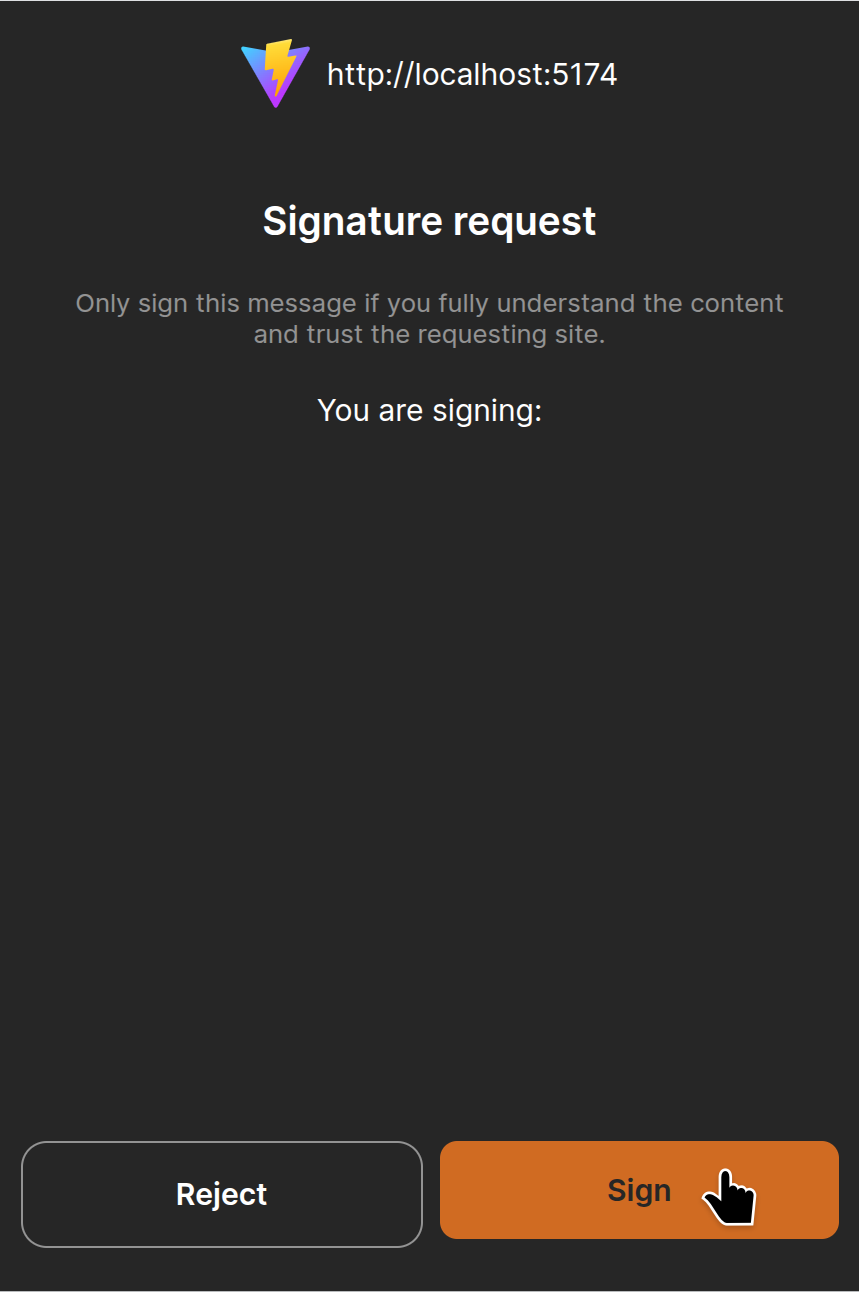
}The screenshot below shows the OP_WALLET message signing dialog:
Signing a Post-Quantum Message
Call signMLDSAMessage() to request a post-quantum message signature from the connected wallet. The wallet prompts the user to review and approve the signature request before returning the signed message. It returns MLDSASignature on success, null if signing fails or no wallet is connected.
The method use ML-DSA post-quantum signature algorithm. ML-DSA provides cryptographic signatures resistant to quantum computing attacks.
The message parameter accepts two formats:
- A regular string is signed as-is using its UTF-8 representation.
- A hexadecimal string (e.g. 0x1a2b3c... or 1a2b3c...) is detected and converted to a binary buffer before signing.
import { useWalletConnect } from "@btc-vision/walletconnect";

function App() {
    const { signMLDSAMessage  } = useWalletConnect()

    async function signMyMessage() {
        if (signMLDSAMessage) {
            const txHash = '0x9f86d081884c7d659a2feaa0c55ad015a3bf4f1b2b0b822cd15d6c15b0f00a08';
            const signature = await signMLDSAMessage(txHash);
            console.log("Signature:", signature)
        }
    }

return (
    <button disabled={!signMessage} onClick={async () => {await signMyMessage()}}>
        Sign ML-DSA Message
    </button>
)}Verifying an ML-DSA Signature
Call verifyMLDSASignature() to verify an ML-DSA signature against the original message. It returns true if the signature is valid and was produced by the connected wallet's ML-DSA private key. Otherwise it returns false.
The message parameter must match the format used during signing. If the original message was signed as hexadecimal data, verification must use the same hexadecimal string.
import { useWalletConnect } from "@btc-vision/walletconnect";

function App() {
    const { signMLDSAMessage,verifyMLDSASignature } = useWalletConnect()

    async function verifyMyMessage() {
        if (signMLDSAMessage && verifyMLDSASignature) {
            const message = 'Authorize transaction #12345';
            const signature = await signMLDSAMessage(message);

            if (signature) {
                const isValid = await verifyMLDSASignature(message, signature);
                console.log('Signature valid:', isValid);
            }
        }
    }

return (
    <button disabled={!verifyMLDSASignature} onClick={async () => {await verifyMyMessage()}}>
        Verify ML-DSA Message
    </button>
)}