Documentation
WalletConnect Context
The WalletConnect Context provides a centralized way to manage wallet connectivity throughout your application. By wrapping your application with the WalletConnectProvider, all child components gain access to wallet services, connection state, and utility methods.
Overview
The WalletConnectProvider uses React's Context API to expose wallet functionality to your component tree. This eliminates the need to pass wallet-related props through multiple levels of components and provides a consistent interface for wallet interactions.
Declaring the Provider
Declare the WalletConnectProvider as a wrapper around your application to grant child components access to wallet services.
import { StrictMode } from 'react'
import { createRoot } from 'react-dom/client'
import App from './App.tsx'
import { WalletConnectProvider } from '@btc-vision/walletconnect'

createRoot(document.getElementById('root')!).render(
<StrictMode>
    <WalletConnectProvider>
        <App />
    </WalletConnectProvider>
</StrictMode>,)Configuration Options
The WalletConnectProvider accepts the following configuration properties:
- theme: Theme for the wallet selection dialog.
- supportedWallets: Array of wallet names to include in the selection dialog (coming soon).
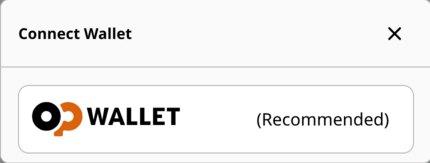
- recommendedWallet: Wallet name to display with a "recommended" label (coming soon).
Customize Theme
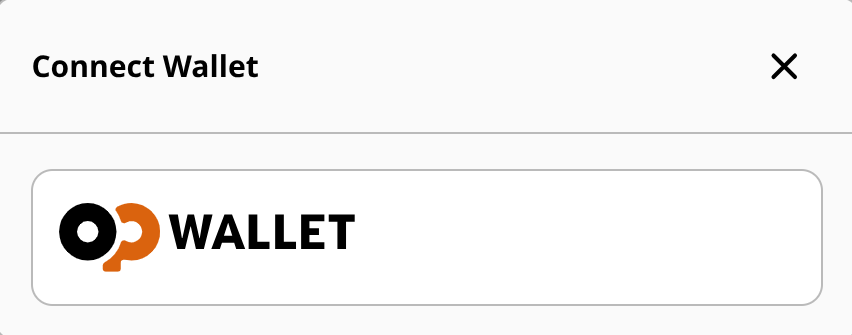
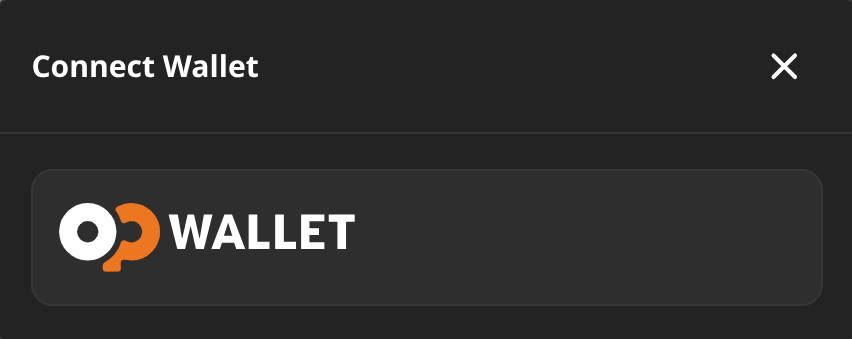
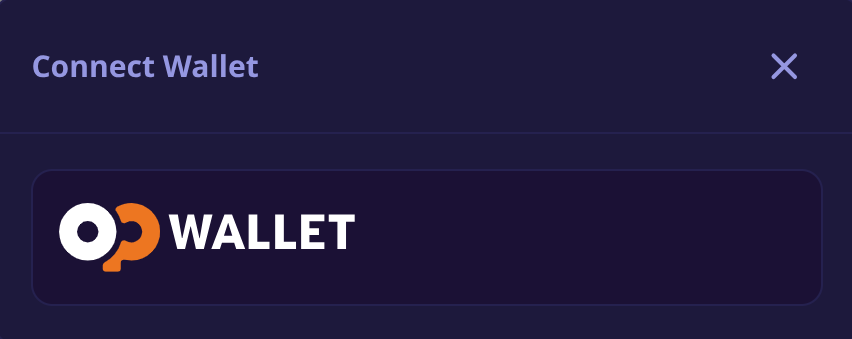
Customize the wallet selection dialog by setting the theme property to one of the available themes:
- light
- dark
- moto
import { StrictMode } from 'react'
import { createRoot } from 'react-dom/client'
import App from './App.tsx'
import { WalletConnectProvider } from '@btc-vision/walletconnect'

createRoot(document.getElementById('root')!).render(
    <StrictMode>
        <WalletConnectProvider theme='light'>
            <App />
        </WalletConnectProvider>
</StrictMode>,)Supported Wallets and Preferred Wallet (coming soon)
To restrict available wallets, add the supportedWallets property to the WalletConnectProvider with the list of wallets your application supports.
Use the recommendedWallet property to display a recommended label next to a preferred wallet in the selection dialog.
The following wallet names are available by default:
- OP_WALLET
For other wallet identifiers, consult the respective third-party wallet documentation.
import { StrictMode } from 'react'
import { createRoot } from 'react-dom/client'
import App from './App.tsx'
import { WalletConnectProvider } from '@btc-vision/walletconnect'

createRoot(document.getElementById('root')!).render(
<StrictMode>
    <WalletConnectProvider recommendedWallet={'OP_WALLET'}
        supportedWallets={['OP_WALLET', 'MyWallet']}>
        <App />
    </WalletConnectProvider>
</StrictMode>,)- supportedWallets: 'OP_WALLET'
- recommendedWallet: 'OP_WALLET'